My 10-year-old has outgrown Scratch. What should he learn next?
Short answer
Typed code, in a tool that keeps giving him things to show.
Python is the usual answer, and a good one. For a ten-year-old game builder we'd pick JavaScript, because his games open in any web browser.
In a 2023 study of 12-to-16-year-olds moving from Scratch to Python, a structured editor meant 4.6 times fewer syntax issues.1
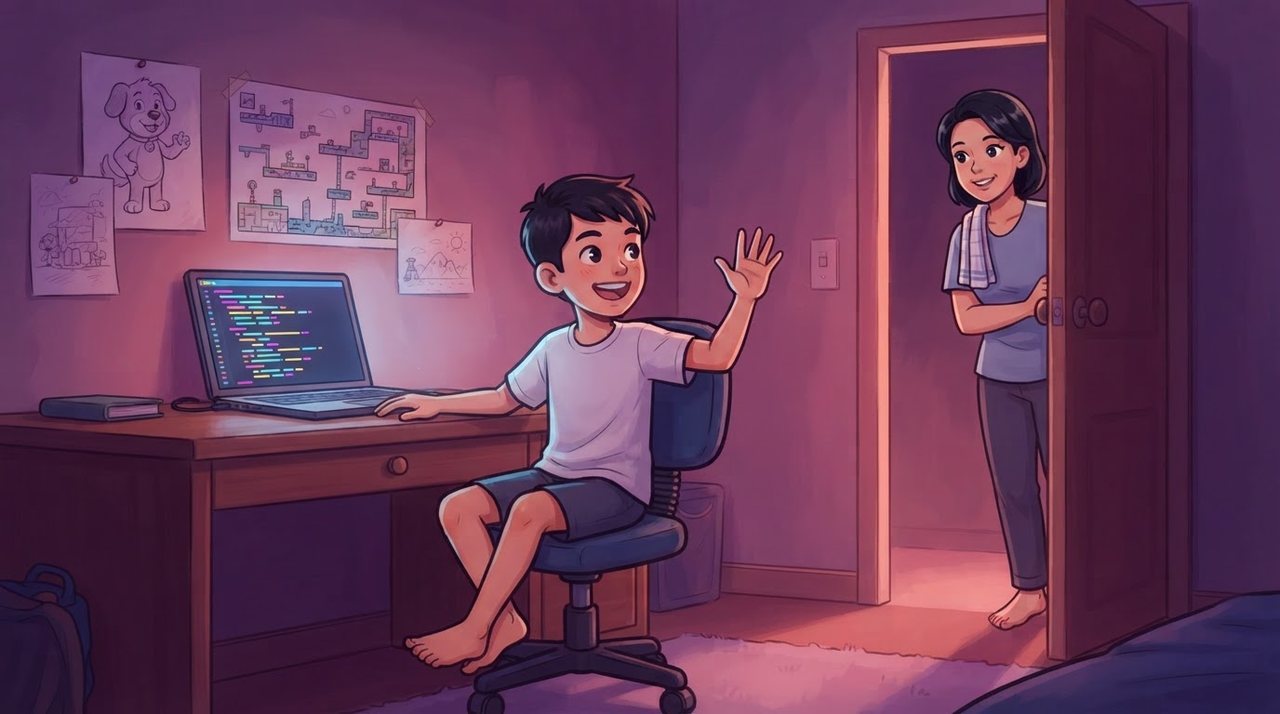
He used to call me over every night. Why did that stop?
Because the blocks got too small for his ideas, and nothing bigger has taken their place yet.
For two years it went like this: "Come look what I made!" A cat that jumped across platforms. A maze with sound effects he recorded into the laptop's microphone. A shark quiz that kept score. He shared every one, checked how many people had played it, and remixed a friend's racing game to give it a turbo button.
Now he's ten, and Scratch is "for little kids". Three projects sit half-finished in his account. In the evenings he watches other people play games on YouTube, and when you ask what he'd rather do, he says "real coding", which neither of you can quite define. And you would love to be called over again to see something he made instead of something he watched.
What was Scratch really giving him?
Three things, and he has outgrown only one of them. Scratch describes itself as the world's largest creative learning community for kids, where young people bring stories, games and animations to life and share them with peers around the world in a moderated community.2 By its own count, 200 million kids create on it.2
So along with the blocks, he got an audience: followers, view counts, comments asking for a level two. And he got "See inside", the button that opens any project's code, so every game he admired was a lesson he could take apart and remix. The blocks are what he's bored of. They can't be mistyped (his programs still had bugs, just never a typo), and at ten that ease starts to feel like a toy. The audience and the open code are what kept him making, and a next step that swaps blocks for typed code while leaving those two behind is likely to lose him within weeks.
His age matters less than what he already does. Our checklist for a kid who is ready to type:
- He clicks "See inside" on other people's projects to find out how they work.
- He uses variables, broadcasts and his own custom blocks without looking anything up.
- His scripts sprawl across the screen, because his ideas (twenty levels, a boss with three attacks) are bigger than blocks handle comfortably.
- He can type a sentence without hunting for every key.
- He's the one asking for "real code".
Why do so many kids stall when they switch?
Because the first typed week usually takes away the audience and the open code along with the blocks. A blank editor gives him no working program to take apart, one missing bracket stops everything, and his first results are lines of text in a window that none of his followers will ever see.
A 2023 study measured the typing part: 26 high school students aged 12 to 16 learned Scratch and then moved to Python.1 Those who made the move in a structured editor, which guides the typing the way blocks guide a Scratch project, had 4.6 times fewer syntax issues than those who didn't.1 When that structured-editor group then switched to a plain editor, they faced four times more syntax errors.1 The bridge eased the start, and the typing still had to be learned.
The cost of a rough switch at ten is a quiet one. He decides coding was a little-kid hobby, goes back to watching, and the calls from his room stop. This is fixable, and he's starting a long way from zero. Loops, if-then decisions, variables and events are the same ideas in typed code; only the way he writes them changes. That writing is what a good first month is built around.
Why don't harder Scratch or a Python book do the trick?
Each one gives back something he lost and takes away something else.
- Harder Scratch challenges keep the audience and See inside, but they're still blocks, and blocks are the part he's done with.
- A Python book gives him the language most guides name next, and Python is a real one that makes games too. A book starts him at a blank page, though, and its first chapters print text in a window: nothing to take apart, and nothing his followers can play for a while.
- Tutorials written for adults teach through to-do lists and calculators, the projects a job needs. A ten-year-old wants a game with a boss.
- Scratch and typed code side by side sounds gentle, but two ways of writing the same idea at once tends to muddle both, and the easier one wins the evening.
- Waiting for a coding class at school can mean a year, at the pace of thirty other kids.
What works gives back the two things he hasn't outgrown, while the blocks go. Look for typed code that starts from a program that already runs, so he learns by changing and reading working code the way See inside taught him. Look for help that points at the broken line instead of a wall of red text, so a typo costs him minutes instead of the night. And look for games that open in a web browser, so the people he used to show his Scratch projects to can still play what he makes.
How do we pick his next step this week?
Choose by what he wants to make, rebuild something he has already made, and keep people playing his work. None of it needs you to code.
- Ask for the tour. Have him open his Scratch account, show you his three favourite projects and tell you what he'd add if the blocks didn't get in the way. His answer points to the language.
- Match the language to what he wants to make, using the list below.
- Rebuild one old Scratch game in typed code. He already knows how it should behave, so his attention goes to the one new thing, the typing. Keep the Scratch version open beside it: the old blocks become a map for the new lines, and the two side by side make a before-and-after he'll want to show off.
- Sort out the keyboard early. If he still hunts for brackets and semicolons, ten minutes of typing practice a day while he finishes his last Scratch project takes a lot of frustration out of the first typed week.
- Keep See inside going. Once a week, have him open someone else's finished typed game, change one thing (the speed, the colours, the score) and show you what happened.
- Give his new games players. In MakeCode Arcade, the Share button makes a link to his game, no sign-in needed.3 Let him pick two or three people he'd like to play the typed version, send them the link yourself, and pass their replies back to him.
- Make typed code the main project for a few months. Old Scratch projects can be finished, but new ones started in blocks pull him back to the easier tool.
Which language, by what he wants to make:
- Games anyone can play from a link: JavaScript, our pick for a Scratch game maker, because the games he makes in it open in any web browser, the way his Scratch projects opened for anyone who visited.
- Python, the usual next step: it reads cleanly, professionals use it every day, and it makes games too. If his friends or his school already use Python, start there.
- Arcade games, with a bridge built in: MakeCode Arcade, part of Microsoft's free MakeCode,4 is a code editor for retro arcade games that play in the browser and on handheld consoles.5 He can start in blocks, then flip into text-coding mode and write the next project in JavaScript or Python.6
- A website about the thing he loves: HTML and CSS first, then JavaScript to make the page do things.
What does a good move from blocks to text look like?
The boy below is fiction, assembled from the signs in this page's checklist. He's ten, with thirty-odd shared Scratch projects, and the one with the most remixes is a platformer starring his dog.
He tells his mom Scratch is babyish, and she asks for the tour. The dog game's comments are full of requests for more levels, which he says blocks can't handle. His first week goes to MakeCode Arcade's sample games, read in the JavaScript view the way he used to click See inside. Then he starts the dog game over in typed code, and the dog's first jump never comes down. He opens the old Scratch project beside the new one, finds the block that pulls the dog back to the ground, and sees that his typed line adds where the block took away. He swaps the plus for a minus, and the dog lands.
Once the typed version has three levels, his mom sends its link to the school friend who made the very first remix of the Scratch dog game. The reply comes that evening: how did you make it in real code, and can I see? On Saturday the two of them sit at the family laptop while he walks his friend through it line by line, the jump included. For the first time, his is the code someone else wants to look inside.
Where Codestronauts fits for a Scratch graduate
Everything in Codestronauts, our story-driven course for kids 8–12, is typed JavaScript, so there are no blocks to flip back to. And for a Scratch kid, Star Catcher, where the course begins, starts the way See inside did: from code that already works. Episode 1 opens with one line waiting; he presses Run, and Cody wakes up, a jittery, fully voiced robot who becomes his co-pilot. Whenever a new word appears, he sees what it does first, and then she tells him what it means. Then he types a line of his own, and it builds their ship. From there each line he writes carries the adventure forward, and each episode ends with the story hanging, so opening the next one is his idea.
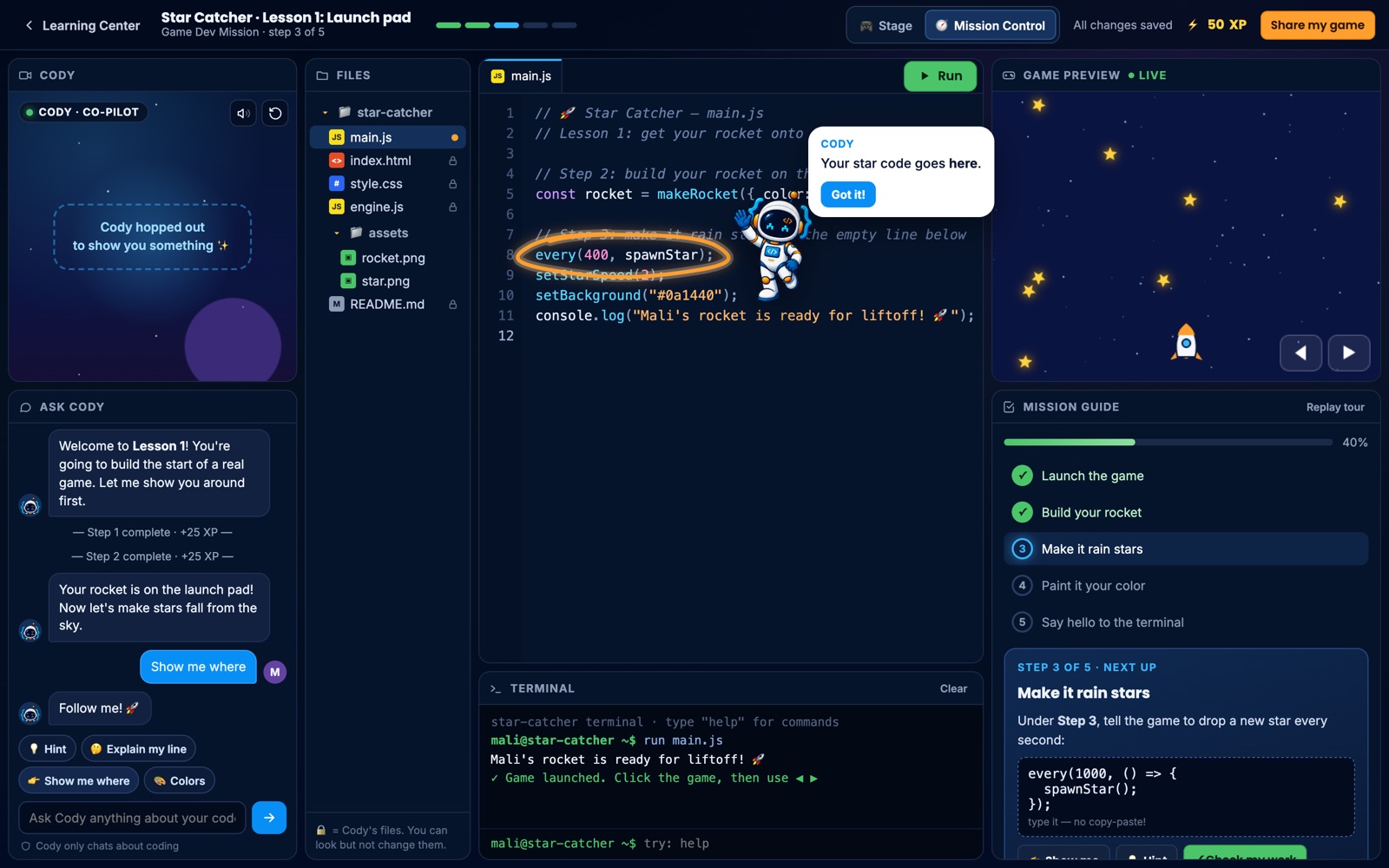
Typos are the new problem typed code brings, and that's where Cody earns her seat. A mistake plays out on screen, some of them funny to watch, and then she explains what happened. She hints instead of handing over answers, points to the right line and steps back as he gets better. Five episodes and about two hours later, at his own pace, he owns a real arcade game. He steers it with the arrow keys, climbs its levels for points with sound effects going, and ends on a boss he designed himself, the kind of thing a Scratch kid calls people over to play. Everything happens in a browser tab on the family laptop, and nothing needs installing. The Parent Corner, locked with your PIN, logs each step he finishes, so you'll often know what he built before he calls you over. Nobody advertises to him in there, strangers can't message him, and the account carries only his first name. You own that account, pay $29.99 once for the whole mission, and his brothers and sisters can play too.
Typed JavaScript from the first line, Cody pointing at the broken one, and a story pulling him into the next episode: Star Catcher is one payment for the whole mission.
Get Star Catcher · $29.99Questions parents also ask
Is 10 too young for typed code?
Not for a kid who has outgrown Scratch. If most of the signs in the checklist above fit him, ten is a good age to start typing. If they don't yet, another few months of Scratch costs him nothing, because every idea he practises there comes with him.
Will he have to start over?
No. A forever loop becomes a loop, an if block becomes an if statement, a variable is still a variable, and "when green flag clicked" becomes the code that runs when the program starts. What's new is writing it all out exactly, where a bracket or a spelling slip matters. Expect the first week to feel slow.
Does MakeCode count as typed code?
Its JavaScript and Python views do. The block view is a Scratch-like step, so the aim is for him to spend more and more time in the typed view. Once he writes whole pieces there without flipping back to blocks, he's coding in text.
Where can he share typed projects safely?
With people he knows. Scratch's community is moderated for kids, and most places that host typed code are built for adults. At ten, the best audience is family and friends. A MakeCode Arcade game gets its own link from the Share button,3 and you can send it to the people he picks. Public coding sites can wait until he's older.
Was this answer helpful?
What was missing?
Sources
- Scaffolding Progress: How Structured Editors Shape Novice Errors When Transitioning from Blocks to Text (SIGCSE 2023), arXiv ↩
- Scratch Foundation, Scratch Foundation ↩
- Sharing projects (MakeCode Arcade), Microsoft MakeCode ↩
- About Microsoft MakeCode, Microsoft ↩
- About MakeCode Arcade, Microsoft MakeCode ↩
- Microsoft MakeCode, Microsoft ↩
Keep reading
More in Coding and making CodingMy son wants to make his own video game. Where should an 11-year-old start?Start with one small game he can finish this month, in real typed code that runs in a web browser, such as JavaScript, plus a reason to come back when week two gets hard. Eleven is an early start.
 SchoolMy 9-year-old can swipe through an iPad but can barely type on a laptop. When should kids learn to type?Start now. "Most research supports starting students on formal keyboarding around grade 4," says occupational therapist Theresa Tovey, and fourth-graders are 9 or 10.
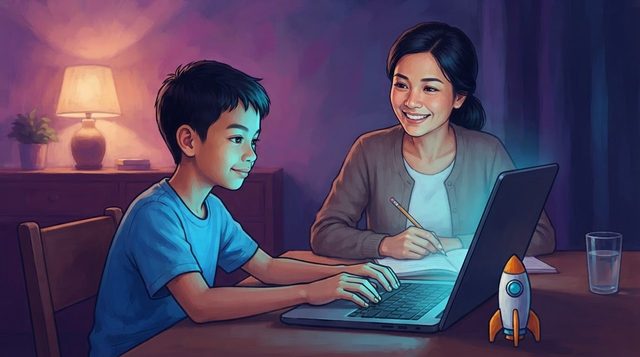 CodingI wish I'd learned to code as a kid. Where should my child start?Pick by what your child can type and wants to make. Not typing yet: Scratch or a free Code Club. Into games: MakeCode Arcade, or Star Catcher, our typed-JavaScript story. From about 9 or 10, Python or web pages.
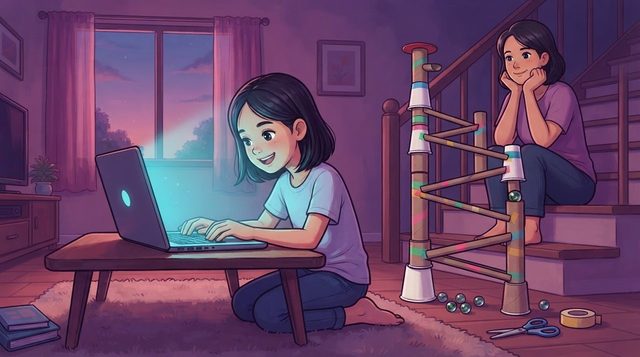 CodingMy 10-year-old daughter loves building things but says coding is for boys.Act now, while the idea is new. In Microsoft's survey of 11,500 European girls and young women, most girls' interest in STEM took hold around age 11½ and began to fade by 15.